How to Choose a Phone for a Busy Everyday Routine
Build a phone shortlist around your commute, family photos, battery habits, and actual budget.
Read more →
Search 40 practical guides for everyday technology.
Showing all 40 guides
Build a phone shortlist around your commute, family photos, battery habits, and actual budget.
Read more →Choose a screen size that works with your hands, pockets, reading habits, and daily travel.
Read more →Find the balance between useful reserve power, pocket weight, cable clutter, and charging compatibility.
Read more →Separate charging, data, video, and cable length before replacing a drawer full of uncertain leads.
Read more →Choose between a cable, a charging pad, and a stand using your bedtime routine as the guide.
Read more →Balance grip, protection, pocket comfort, and accessory compatibility without buying more case than you need.
Read more →Choose a storage tier by auditing videos, apps, offline media, and your backup routine.
Read more →Pack fewer accessories by choosing a charger, cable, battery, and stand around your actual itinerary.
Read more →Look beyond megapixels when comparing indoor photos, moving subjects, travel framing, and video.
Read more →Compare repair costs, remaining usefulness, storage, battery concerns, and the disruption of switching phones.
Read more →Find a comfortable monitor setup without letting the screen and stand consume your entire workspace.
Read more →Choose the simplest connection solution for your monitor, peripherals, network, and charging routine.
Read more →Compare layout, sound, connection choices, and everyday typing comfort when someone else shares the room.
Read more →Improve camera placement and lighting first, then decide which webcam features are worth paying for.
Read more →Decide whether a second travel screen saves enough time to justify its weight and setup requirements.
Read more →Tidy charging and peripheral cables without making your desk difficult to move, clean, or troubleshoot.
Read more →Separate a working drive, a transfer drive, and a backup before shopping for more storage.
Read more →Compare grip, size, scrolling, portability, and connection methods without chasing features you will not use.
Read more →Choose a device around your documents, typing needs, file handling, and the full accessory cost.
Read more →Prioritize the changes that remove daily friction before filling your workspace with optional accessories.
Read more →Choose commuter headphones around comfort, awareness, bag space, and the calls you actually take.
Read more →Match headphone shape to your workday, storage space, comfort needs, and listening habits.
Read more →Prioritize clear conversations, reliable connections, and practical mute controls for a busy workday.
Read more →Find a speaker that suits a kitchen, desk, or shared living space without overwhelming the room.
Read more →Choose exercise earbuds around secure fit, care instructions, accessible controls, and your surroundings.
Read more →Plan comfortable listening, charging, and seat-screen connections before your next long flight.
Read more →Understand device switching before paying extra for headphones that promise a smoother workday.
Read more →Consider wired audio for a spare bag, desk, or simple listening setup without unnecessary adapters.
Read more →Evaluate clamping, earcup placement, and everyday fit before committing to full-size headphones.
Read more →Identify the weakest part of your listening setup before replacing headphones, speakers, or accessories.
Read more →Choose connected home devices around useful controls, clear privacy settings, and a realistic support plan.
Read more →Match charging ports, cables, and plug compatibility to an ordinary travel day.
Read more →Check watt-hours, carry-on placement, and airline policies before taking a power bank on a flight.
Read more →Use a room-by-room placement check to decide whether your home really needs a new router or mesh system.
Read more →Compare laptop fit, accessible pockets, carrying comfort, and airline dimensions before choosing a travel bag.
Read more →Choose a smart plug for a suitable appliance, a useful schedule, and an ecosystem you already understand.
Read more →Protect travel photos with verified copies, realistic upload expectations, and storage that fits your devices.
Read more →Create accessible charging spots and tidy cable routes without turning maintenance into a project.
Read more →Match a travel tablet to reading, offline entertainment, documents, and the tasks your phone cannot comfortably handle.
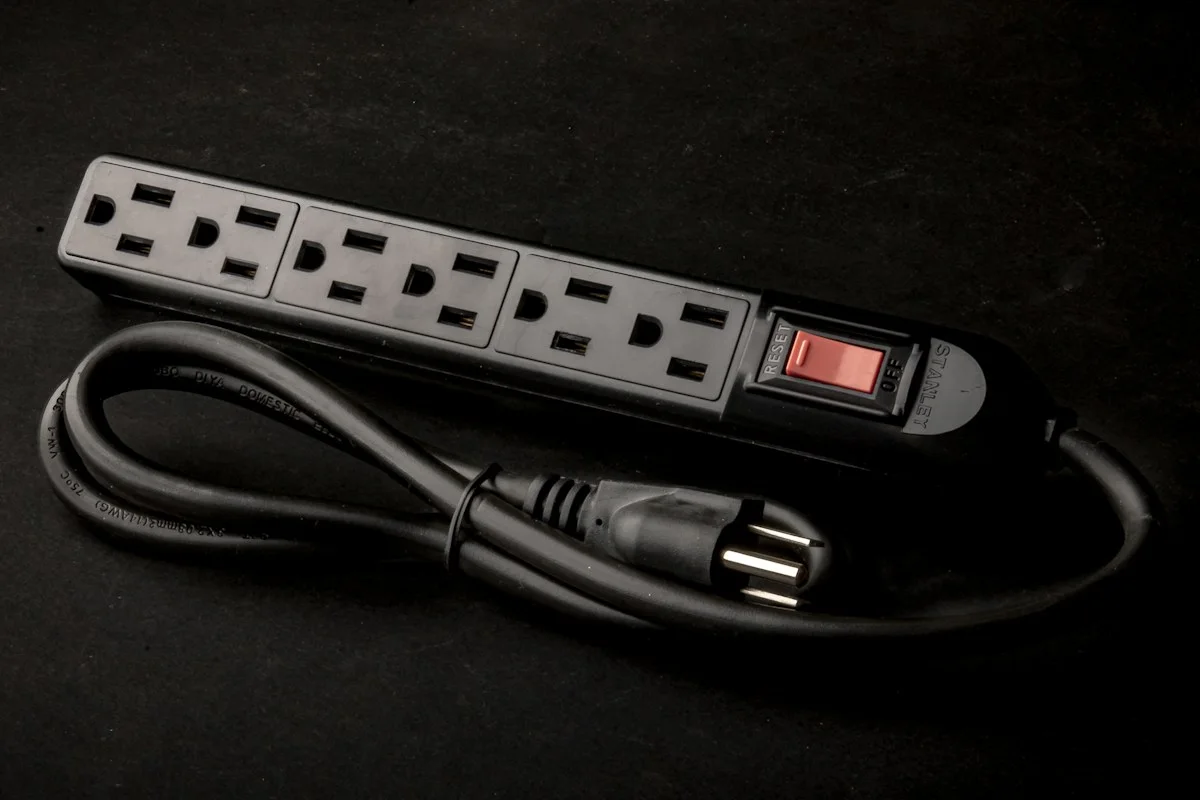
Read more →Compare outlet spacing, protection indicators, ratings, and everyday access before buying a desk power accessory.
Read more →No guides found. Try “desk”, “phone”, “headphones”, or browse a category above.