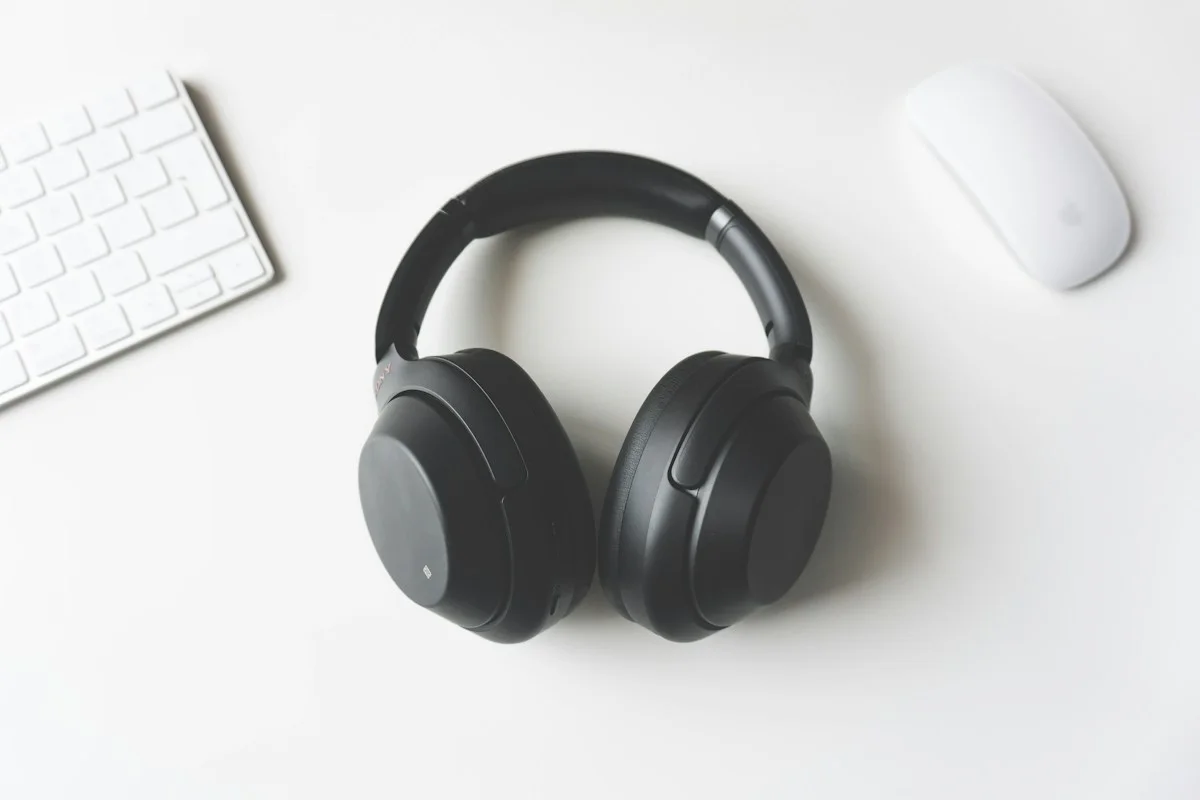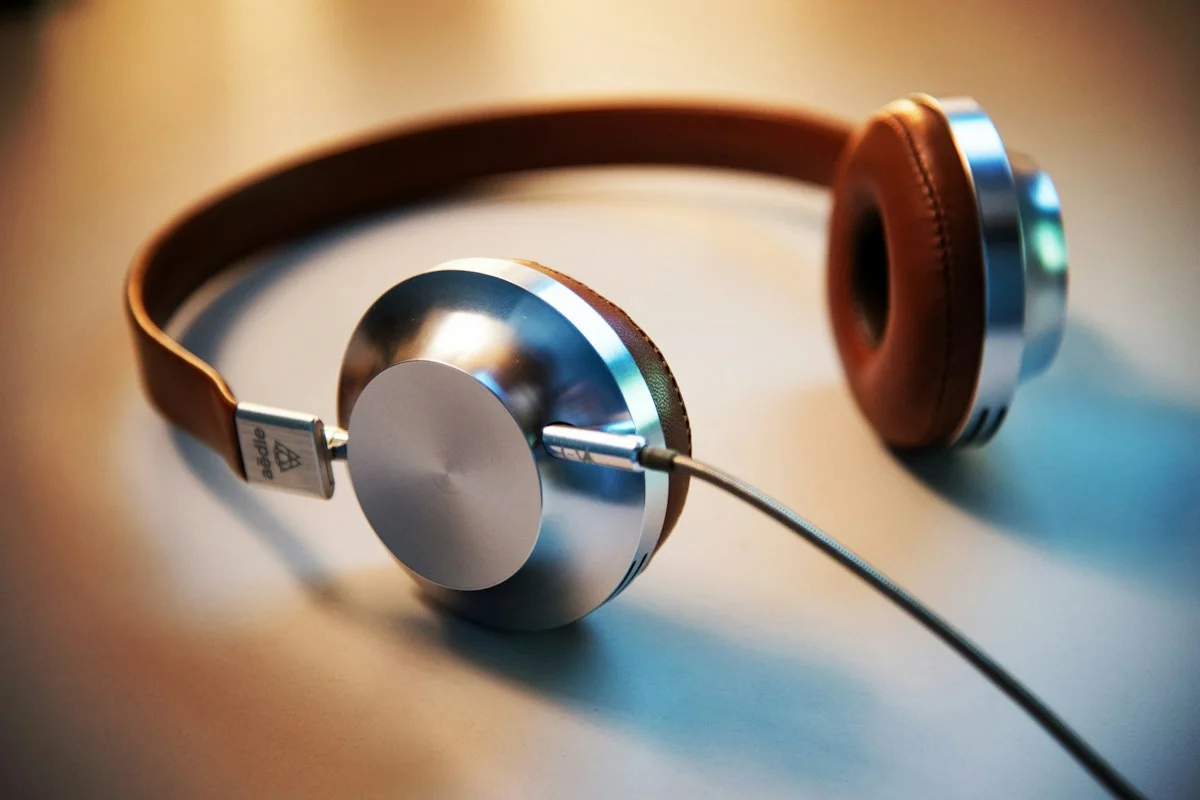

Consider wired audio for a spare bag, desk, or simple listening setup without unnecessary adapters.
Look for a job that benefits from simplicity
Wired headphones can still be a practical choice for a spare work bag, a fixed desk, or a household member who does not want another charging routine. Their value depends on the devices you actually own. A cable that plugs directly into the right socket can be refreshingly straightforward; a cable requiring several uncertain adapters is less so. Start by identifying the job, such as joining occasional meetings or watching videos at a desk. Then compare a wired option against keeping the headphones you already have.
Inspect the socket instead of guessing
A familiar-looking connector does not guarantee the behavior you need. Check the computer or phone documentation for its supported audio connections and whether a headset microphone is supported through the intended adapter. USB-C is a connector shape used for different functions, so read compatibility information for the actual product. If your device lacks a traditional headphone socket, include an appropriate adapter in the cost. Avoid assuming a cheap split cable will solve every microphone arrangement. A clear, manufacturer-supported connection is preferable to buying several accessories through trial and error.
Choose cable length for the furniture
Measure the route from your listening position to the socket, including a little room to move comfortably. Too little length can pull on the plug when you turn your chair; too much can trail across a walkway or catch on a drawer. At a desk, route the cable away from chair wheels and hot drinks. A detachable cable can be convenient, but replacement availability and connector compatibility still need checking. For a travel backup, consider how the cable stores without tight bends or an awkward tangle in a pocket.
Decide whether calls are part of the job
A pair intended for music may not include a microphone, and an inline microphone can behave differently from a work headset’s boom. If video meetings matter, confirm both audio playback and voice input compatibility. Check how mute is controlled: an inline button is not automatically a conferencing mute switch. Make a practice call before relying on the setup for work. If calls are the main purpose, consider a dedicated wired office headset rather than choosing solely on how attractive a music-focused pair looks on a product page.
Think about comfort and surroundings
Wired describes the connection, not the fit or sound isolation. You still need to choose between in-ear, on-ear, and over-ear designs according to comfort and environment. A closed design may suit shared listening spaces, while more open designs can let sound reach other people. Read the exact product description and consider the people around you. Wearing comfort remains personal even with inexpensive equipment. During an allowed return period, sit as you normally would and use the pair long enough to notice pressure from cushions, tips, or glasses.
Avoid buying performance you cannot use
A modest setup for calls or background music does not automatically require a separate amplifier or digital-to-analog converter. First determine whether the headphones work properly with your existing source and whether there is an identifiable problem. Additional equipment introduces cost, cables, and another compatibility question. If a specialist headphone specifies requirements your source cannot meet, evaluate that combination deliberately. For ordinary daily use, prioritize a practical fit, a supported connection, and replaceable wear parts over purchasing an elaborate chain because it appears in someone else’s desk photograph.
Compare the complete purchase
Use Sony’s official headphone catalog to inspect connection options, and Jabra’s office-headset range if calls dominate your requirements. Confirm the precise model is wired, what connector it includes, and whether an adapter is supplied. Compare delivered price, cable replacement options, and return terms. When the package arrives, check both listening and microphone functions on the intended device before discarding packaging. A successful wired purchase is not a statement against wireless technology. It is a small, dependable tool that fits a particular routine with minimal maintenance.
Keep the backup ready to use
If a wired pair lives in your emergency work bag, store its required adapter beside it and test the combination periodically. A spare that depends on an adapter left at home is not a usable fallback. Label a small pouch so that the cable is easy to find during a rushed departure. Avoid winding it tightly around a charger or forcing the plug against a heavy object. Before an important trip, play a short clip and check the microphone if needed. Simple storage and occasional verification help an inexpensive backup remain useful.
Explore the options
Compare the exact model, included accessories, return policy, and current price before buying. These links open official brand websites.
Sony headphones
Compare fit, controls, and noise-control options across the current range.
Tradeoff: Features vary by model; verify the exact listing before ordering.
Explore Sony headphones ↗Jabra office headsets
Compare work-focused connection and microphone arrangements.
Tradeoff: Confirm the specific computer, conferencing platform, and included adapter.
Explore Jabra office headsets ↗Sources & further reading
Primary references consulted October 30, 2026. Product ranges and availability can change.
Cover photography illustrates an everyday setting and may show equipment other than the examples discussed. Read our methodology.