Match a travel tablet to reading, offline entertainment, documents, and the tasks your phone cannot comfortably handle.
Name the moment the phone feels too small
On a train, a tablet can make a novel, downloaded show, or travel plan easier to read than a phone. That is a clear reason to consider one. Replacing a laptop is a different decision involving work software, files, keyboards, and sometimes employer requirements. Begin with the moments when your current travel devices become awkward. If the tablet would simply duplicate occasional phone browsing, keep the budget modest or use what you already own. A defined role helps prevent a lightweight entertainment purchase from gradually becoming an expensive attempt to rebuild a laptop.
Choose a size you will actually carry
A larger screen can make documents and shared viewing more comfortable, but it also takes more space in a day bag. Think about where the tablet will rest: a narrow train table, your lap, a hotel desk, or one hand while reading. Add the case weight before comparing portability. A compact model may suit frequent walking and reading; a larger model may suit evening viewing or marked-up documents. Look at the complete dimensions rather than screen measurement alone, and check whether the device fits the compartment you expect to use throughout the trip.
Check the apps while you still have a laptop nearby
List the services you need for booking, entertainment, reading, work, and calls. Confirm that their tablet apps or websites support the exact tasks you expect, including any employer login process. A mobile version may omit a feature that seems routine on a desktop. Try editing a representative document, attaching a file, and joining the meeting service before deciding the laptop can stay home. If a task is essential and awkward, bringing a laptop may be more practical than buying several accessories to force a tablet into a role it does not comfortably fill.
Plan for offline use
A travel device should remain useful when the connection disappears. Download supported entertainment, documents, maps, and reading material before departure, then open them without a connection to check availability. Streaming services can have download limits, expiry rules, and account requirements, so review the service you use. Leave space for app updates and photographs rather than filling storage to its limit. Cellular connectivity can be convenient, but compare the model cost and data plan with using Wi-Fi or your phone's supported hotspot feature. Always account for your mobile plan's tethering and roaming terms.
Keep the accessory list honest
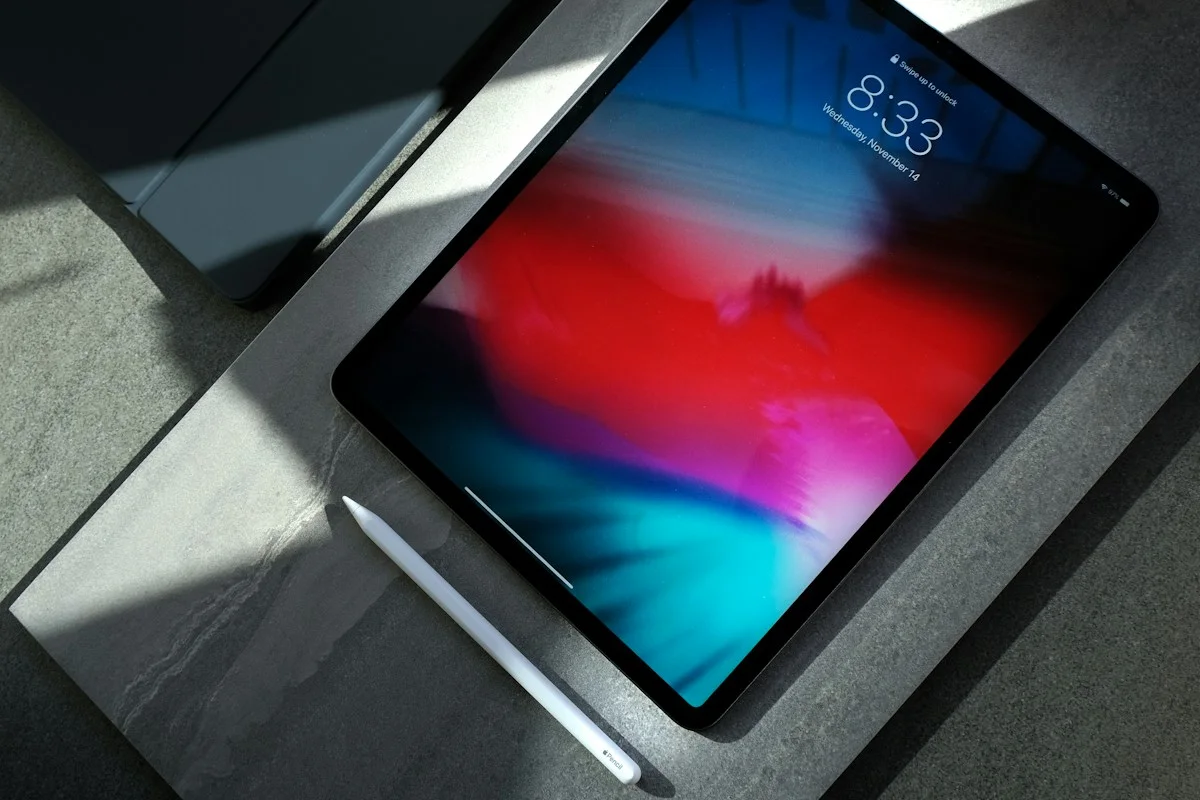
A protective case and a stable viewing position may be enough for a reading and entertainment tablet. Add a keyboard only when regular typing justifies its cost and weight. A stylus makes sense for handwriting or annotation, provided the model and accessory are explicitly compatible. Apple's iPad range and Samsung's tablet collection are official starting points for comparing families; individual models can support different accessories. Price the complete kit before ordering. If it approaches the cost and weight of the laptop you hoped to avoid, revisit the job the tablet is supposed to perform.
Prepare the device for a lost-bag day
Enable the account and device protections recommended by the manufacturer, use a sensible screen lock, and understand recovery options before traveling. Keep important documents accessible through another appropriate method in case the tablet is unavailable. Separate a booking reference from the only device that can display it. Back up personal work and photographs rather than assuming the tablet itself is protection. A case helps with everyday handling but cannot make a device immune to damage or theft. The aim is an easier trip even when one part of the technology plan fails.
Questions before checkout
How much storage should I buy? Estimate your offline downloads, apps, and personal files, then leave room for growth. Compare this with any recurring cloud cost rather than buying the largest tier automatically.
Do I need a premium processor? Reading, ordinary browsing, and downloaded entertainment do not by themselves establish that need. Identify a demanding app or workflow before paying for additional performance.
Can a tablet replace my laptop for a week? Rehearse a normal working day using the tablet alone before the trip. If essential tasks depend on unavailable software, inconvenient workarounds, or accessories you do not want to carry, keeping the laptop may be the better travel decision.
Explore the options
Compare the exact model, included accessories, return policy, and current price before buying. These links open official brand websites.
Apple iPad range
Compare screen sizes and accessory choices within a familiar Apple setup.
Tradeoff: A keyboard and higher storage tier can substantially change the full purchase cost.
Explore Apple iPad range ↗Samsung tablet range
Explore Android tablet options and check your preferred travel apps.
Tradeoff: App features and accessory compatibility must be checked on the exact model.
Explore Samsung tablet range ↗Sources & further reading
Primary references consulted October 30, 2026. Product ranges and availability can change.
Cover photography illustrates an everyday setting and may show equipment other than the examples discussed. Read our methodology.