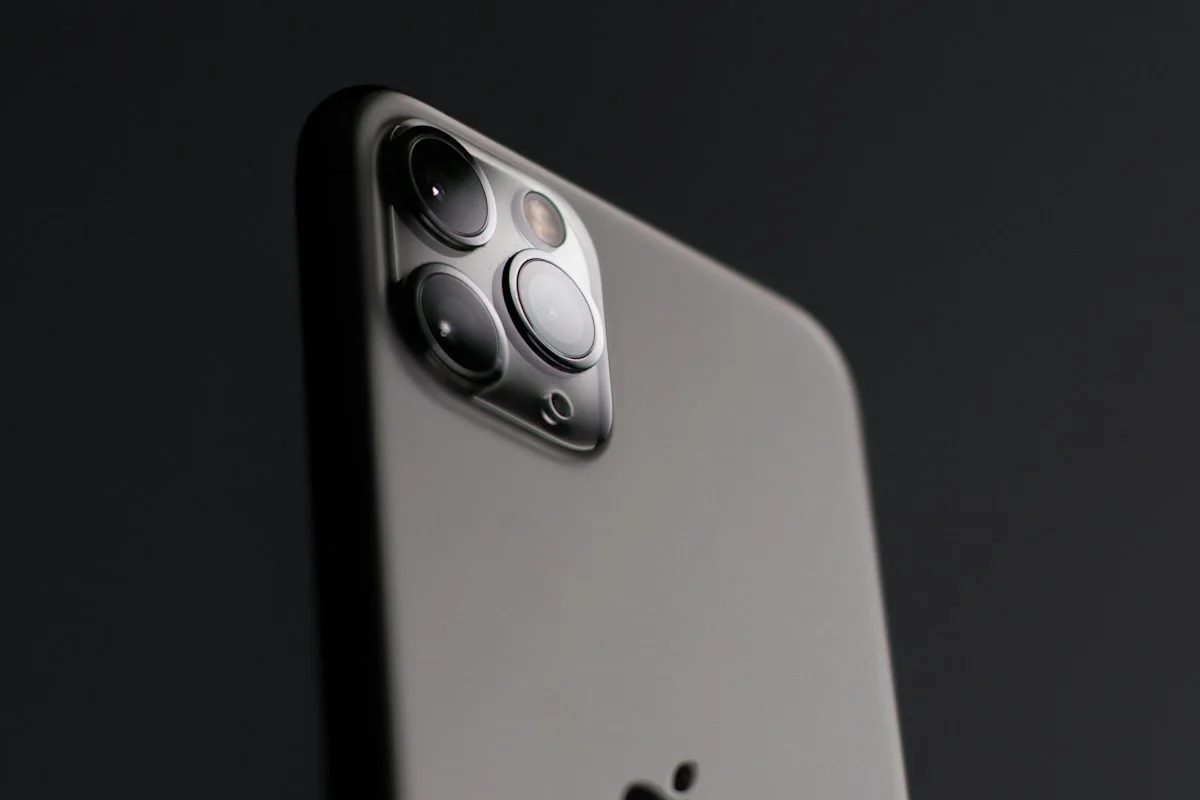

Compare repair costs, remaining usefulness, storage, battery concerns, and the disruption of switching phones.
Name the problem before shopping for the solution
A phone can feel old for several unrelated reasons: a worn battery, insufficient storage, a broken charging port, a cracked screen, or software that no longer supports an important app. Write down the actual symptoms and when they occur. A replacement is a large answer to a small problem if a straightforward repair or settings change would restore the device to the role you need.
Get a complete repair quotation
Ask what the repair includes, what warranty accompanies it, and whether other damage could change the price after inspection. Use an authorized or otherwise reputable repair provider and understand the parts policy. Back up important information before handing the phone over. If the device is essential for work or caregiving, include the cost and inconvenience of temporary access rather than comparing only the visible repair and purchase figures.
Assess useful life without inventing a deadline
Check the manufacturer support information for the exact model and confirm that your essential apps still meet its requirements. Consider whether the phone has enough storage and performance for the tasks you actually perform. A repair is more attractive when the rest of the device suits you. It is less attractive when several independent limitations already interrupt your routine and another expense is likely to follow soon.
Calculate replacement cost honestly
Add the phone, compatible case, any required charger, and the value of your time transferring accounts. Read financing and trade-in terms carefully, especially conditions that require a specific carrier plan. Compare a suitable everyday model with the repair rather than using the most expensive flagship as the only alternative. Keeping an older phone as a spare has value only if it remains usable and stored responsibly.
Protect the data before either choice
Make sure you can access account passwords, verification methods, photographs, and essential documents. Verify a sample backup rather than assuming an icon means everything is recoverable. Follow the manufacturer instructions before selling, trading, or recycling a phone, including account removal and erasure where appropriate. Hardware replacement is inconvenient; discovering that an important account cannot be recovered can be far more disruptive.
Build a two-option cost comparison
Write two columns before approving either purchase. In the repair column, include the written quotation, diagnostic charges, any transport cost, and a temporary phone if you need one. Ask what happens if inspection reveals additional damage and whether work requires fresh authorization. In the replacement column, include the device you would realistically buy, necessary accessories, and any remaining contract obligations. Keep trade-in credit conditional until the seller has assessed the old handset. This prevents an optimistic estimate from disguising the actual cash required.
Then consider disruption. A repaired phone usually preserves a familiar size and interface, but service may mean several days without it or a data reset. A new phone requires account transfers, app setup, and possibly new mounts or cases. Choose a time when you can verify essential functions afterward: calls, messages, navigation, payment access, and authentication. If the device belongs to an employer or contains managed work apps, check the relevant process before arranging independent service. The cheapest route on paper can become inconvenient if it conflicts with how the phone is used.
Ask the repair provider for specific warranty terms covering the work and replacement part, and clarify any effect on existing coverage. Avoid treating an unexplained promise of like-new performance as evidence. After service, inspect the repaired function before leaving when possible, then confirm charging, cameras, speakers, and touch input. If replacement wins, keep the old phone until the transfer and backups are checked, then follow the platform's account-removal and erase instructions before resale or recycling. The decision is complete only when the chosen device works and the outgoing one no longer exposes your personal information.
Questions to settle before you order
When does repair make sense? A clear fault with a predictable repair price is a strong candidate when the phone otherwise meets your needs and its remaining support is acceptable to you.
When is replacement easier to justify? Several simultaneous limitations, poor reliability, or an essential app incompatibility can make replacement more practical than repeatedly paying to address separate problems.
Should I keep the old phone? Keep it only with a specific purpose, a sensible charging and storage routine, and awareness of its support status. Otherwise, consider a responsible trade-in or recycling route.
Explore the options
Compare the exact model, included accessories, return policy, and current price before buying. These links open official brand websites.
Apple phone range
Use replacement options as a cost comparison after obtaining a repair quote.
Tradeoff: A new device also creates setup and accessory costs.
Explore Apple phone range ↗Samsung phone range
Compare an appropriate replacement rather than defaulting to the highest tier.
Tradeoff: Trade-in eligibility and regional configurations need checking.
Explore Samsung phone range ↗Sources & further reading
Primary references consulted October 30, 2026. Product ranges and availability can change.
Cover photography illustrates an everyday setting and may show equipment other than the examples discussed. Read our methodology.