
Build a phone shortlist around your commute, family photos, battery habits, and actual budget.
Start with the day you already have
A useful phone decision starts on an ordinary Tuesday. You leave home with a calendar full of meetings, photograph a receipt at lunch, check a bus arrival, and call someone while cooking dinner. None of those jobs requires winning a specification contest. They require a screen you can read, controls you understand, and enough remaining battery to get home without planning your afternoon around a socket.
Make three requirements nonnegotiable
Write down the three frustrations with your current phone before browsing. Perhaps it feels too large in one hand, runs out during navigation, or produces disappointing indoor pictures. A replacement should address those specific problems. If storage is the only issue, first examine what occupies it. If a cracked screen or worn battery is the main issue, compare a repair quotation with the complete replacement cost.
Size matters more often than benchmark scores
A bigger screen can make maps and messages easier to view, but it also changes how a phone fits into a coat pocket or a small bag. Try holding a candidate with the case you expect to use. Reach for the upper corner, type a short reply, and imagine balancing a shopping basket in the other hand. A comfortable smaller model can be a better everyday purchase than an impressive larger one.
Compare ecosystems using your own tasks
Look at the devices and services you would need to reconnect. Your watch, shared photo albums, password manager, car connection, and family messaging habits may matter more than a minor camera difference. Moving platforms is possible, but allow time to transfer accounts and confirm the apps you rely on. Avoid spending more merely to preserve one inexpensive accessory; equally, do not ignore a household workflow that saves time every day.
Set the budget after adding the extras
Compare the phone, storage tier, case, replacement charger if needed, and any recurring financing or coverage costs on one sheet. Read trade-in requirements and distinguish an immediate discount from a bill credit spread over a contract. A model that fits comfortably within your budget leaves room for an unexpected repair. Keep your existing device until the new one has completed account sign-ins and the photo transfer is verified.
Rehearse the change before committing
Turn your current phone into a shopping worksheet for a week. Record the battery level when you leave work, the apps you open most, and any moment when the device slows you down. Separate inconvenience from novelty: struggling to scan a boarding pass is a concrete problem, while wanting a different color is a preference. Both can matter, but only one establishes a functional requirement. Bring this worksheet to a store and ask to repeat the relevant tasks on your shortlist rather than watching a promotional demonstration.
A family calendar provides a useful example of hidden switching costs. Before changing platforms, check whether shared events, reminders, and photo invitations work through an account available on the new device. Confirm how you will transfer an authenticator app and recover your banking login. These chores do not necessarily make switching a bad choice; they help you schedule the change for a quiet evening instead of the morning of a trip. Keep recovery details somewhere accessible without the old phone.
Finally, compare two realistic baskets rather than two headline prices. One could be a less expensive handset with enough storage and a dependable case. The other could include a premium handset, the storage upgrade you would actually choose, and the same accessories. Ask which additional capability in the second basket you will use every week. If the answer remains vague, keep the price difference available for repairs or a later replacement. Save the seller's return conditions and the exact model number before ordering, especially when several regional variants share a similar name.
Questions to settle before you order
What does a better camera actually mean for me? Compare the situations you photograph: moving children, indoor meals, travel landscapes, or documents. Look for examples from that situation rather than judging by a megapixel figure alone.
Should I buy more storage? Check current local use and how much video you keep. Leave room for operating-system updates and the years you intend to own the phone. Cloud storage also has a recurring cost.
Is a flagship necessary? Consider it when a specific feature serves a repeated need. Routine messaging, shopping, navigation, and casual photos should not automatically push every buyer into the most expensive tier.
Explore the options
Compare the exact model, included accessories, return policy, and current price before buying. These links open official brand websites.
Apple iPhone range
Compare size and camera options if your household already uses Apple services.
Tradeoff: Accessories, storage upgrades, and coverage add to the purchase.
Explore Apple iPhone range ↗Samsung Galaxy range
Explore Android choices at several sizes and feature levels.
Tradeoff: Check the exact model rather than assuming the entire range shares features.
Explore Samsung Galaxy range ↗Sources & further reading
Primary references consulted October 30, 2026. Product ranges and availability can change.
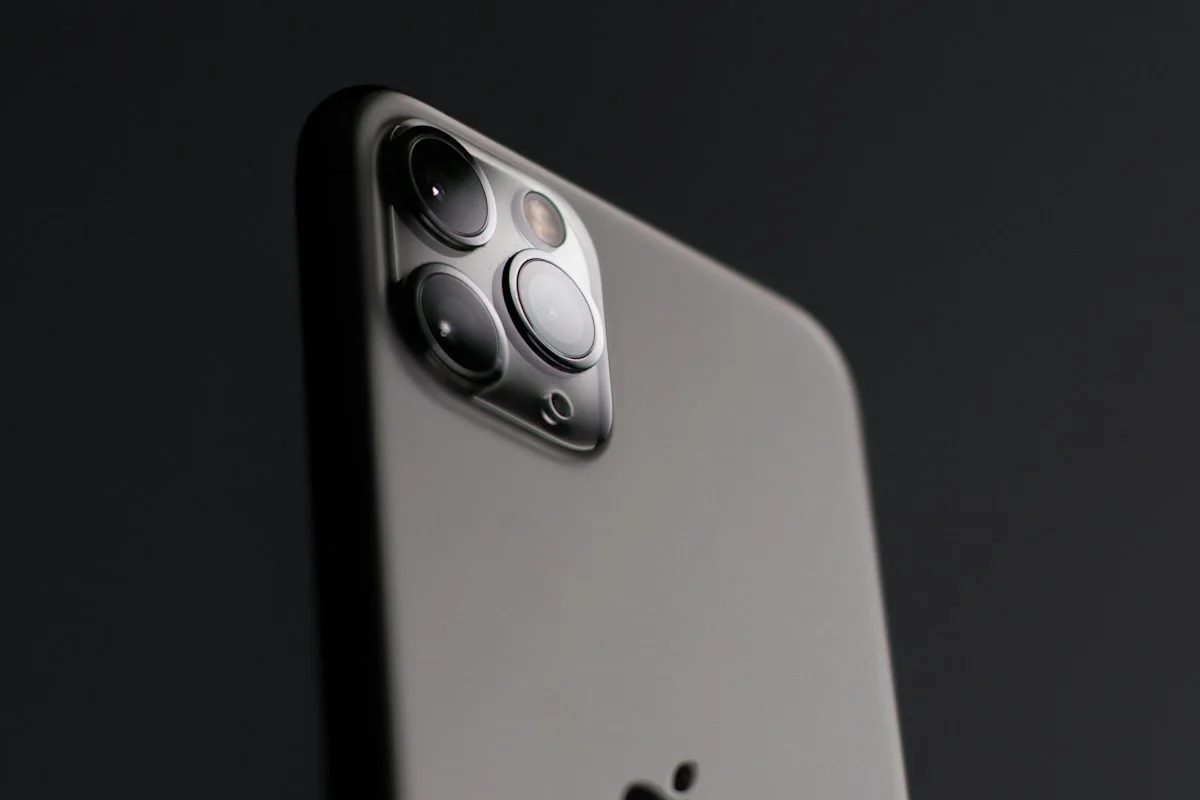
Cover photography illustrates an everyday setting and may show equipment other than the examples discussed. Read our methodology.